
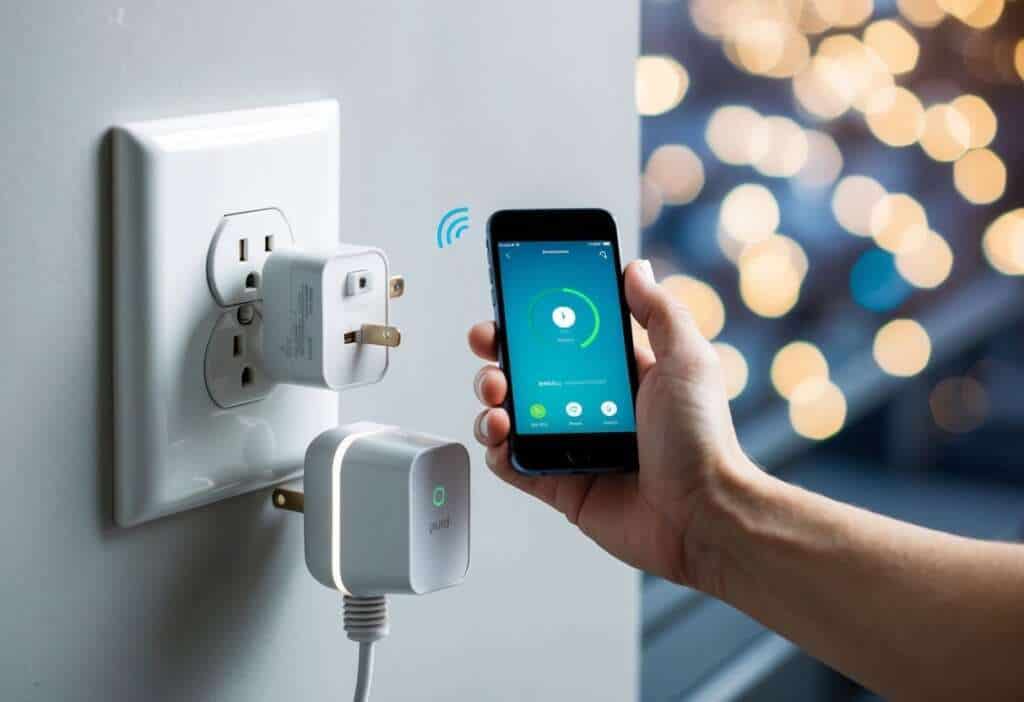
Smart plugs are amazing little devices that can make your home smarter and more convenient. They let you control your lights, appliances, and electronics from anywhere using your phone. With smart plugs, you can turn on your coffee maker before getting out of bed or switch off forgotten lights after leaving home.

These handy gadgets plug into your regular outlets and connect to your home’s Wi-Fi. Once set up, you can use an app to control whatever is plugged into them. You can also set schedules and timers to automate your home. For example, you could have your living room lamp turn on every evening at sunset.
Using smart plugs for home automation is easy and affordable. You don’t need to replace your existing appliances or do any wiring. Just plug them in and you’re ready to go. Smart plugs give you remote control over many aspects of your home, helping you save energy and add convenience to your daily life.
What are Smart Plugs?

Smart plugs are handy devices that let you control your regular appliances remotely. They fit between your electrical outlet and the appliance’s plug, giving you wireless control over power to that device.
The Fundamentals of Smart Plugs
Smart plugs turn a standard outlet into a smart one. They’re small adapters that you can plug into any regular wall socket. Once connected, you can control the power supply to whatever is plugged into them using your smartphone or voice commands.
Here’s how smart plugs work: • They connect to your home’s Wi-Fi network • You control them through a mobile app • Many work with voice assistants like Alexa or Google Home
Smart plugs let you turn devices on and off from anywhere. This means you can switch on your coffee maker before getting out of bed or turn off forgotten lights when you’re away from home.
Different Types for Different Needs
There are various types of smart plugs to suit different needs:
- Indoor plugs: These are the most common and work great for lamps, fans, and small appliances.
- Outdoor plugs: Weather-resistant for controlling lights, fountains, or holiday decorations outside.
- Power strip smart plugs: Control multiple devices with one unit.
- Energy monitoring plugs: These track power usage of connected devices, helping you save on energy bills.
Some smart plugs have extra features like scheduling, where you can set specific times for devices to turn on or off automatically. This is perfect for creating the illusion that someone’s home when you’re away.
Setting Up Your Smart Plug
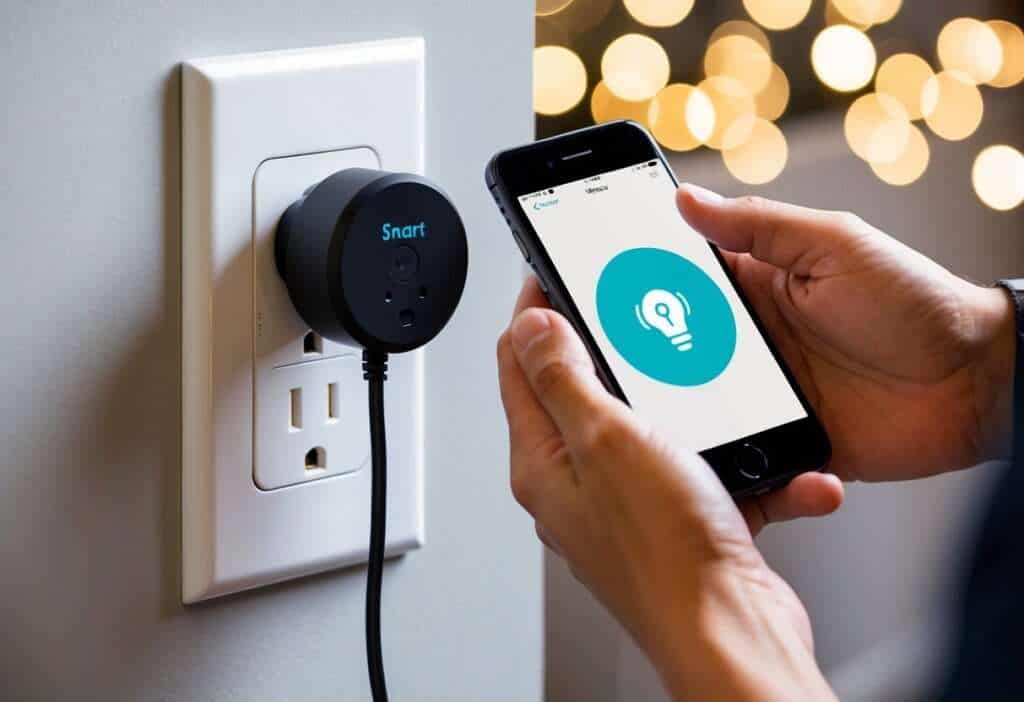
Getting your smart plug up and running is quick and easy. You’ll be controlling your appliances remotely in no time with just a few simple steps.
Installation and Configuration
To start, plug your smart plug into a wall outlet. Make sure it’s close to your Wi-Fi router for the best connection. Next, download the plug’s companion app on your phone. Most smart plugs work with apps like Smart Life or the manufacturer’s own app.
Open the app and create an account if you don’t have one. Look for an option to add a new device. The app will guide you through the process.
Some plugs have a small button you need to press to enter pairing mode. Watch for a blinking light that shows it’s ready to connect.
Follow the on-screen instructions carefully. You might need to scan a QR code or enter a code printed on the plug.
Connecting to Home Wi-Fi Network
Once in pairing mode, your smart plug is ready to join your home Wi-Fi network. Make sure your phone is connected to your home Wi-Fi. The app will usually detect available networks.
Select your home network and enter the password when prompted. The smart plug will then try to connect. This might take a minute or two.
If it fails, try moving the plug closer to your router or restarting the process. Some plugs only work with 2.4GHz networks, not 5GHz.
After connecting, you can name your plug based on the device you’ll control. For example, “Living Room Lamp” or “Coffee Maker.”
Now you’re all set! You can turn the plug on and off from the app, set schedules, and even track energy usage for some models.
Related Posts
Top 9 Automatic Pet Feeders to Simplify Your Life
Discover the Benefits of Pink Noise Therapy for Better Sleep
9 Great Medical Alert Systems: A Lifeline for Seniors
Integrating with Smart Home Systems
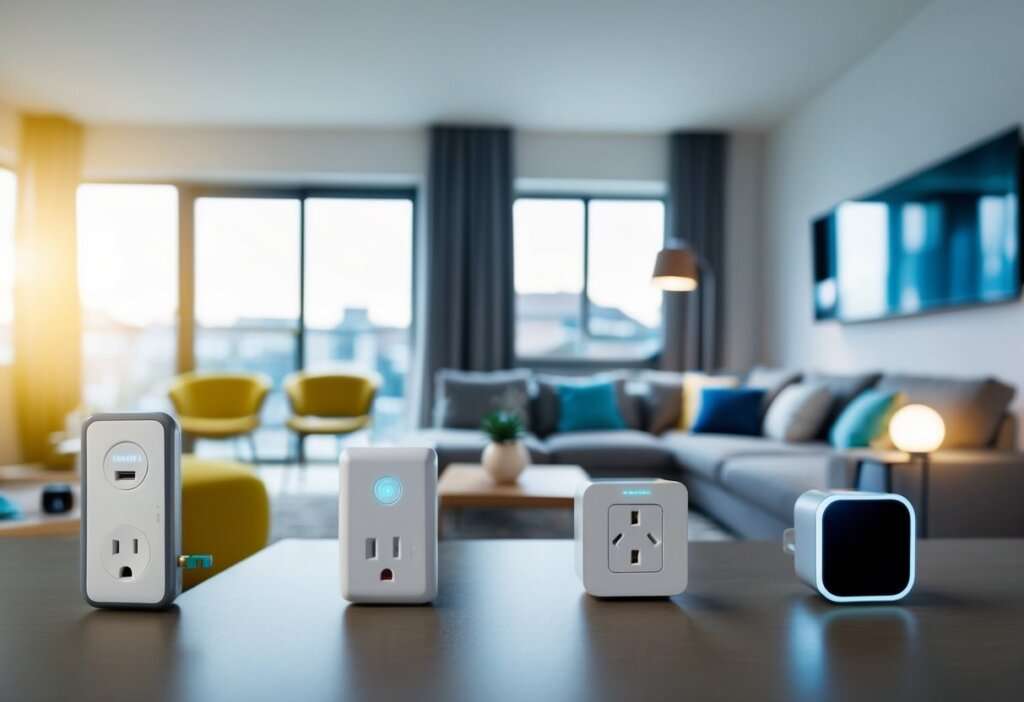
Smart plugs can work with other devices to make your home even smarter. You can control them with voice commands and create a central hub for all your gadgets.
Compatibility with Smart Assistants
Smart plugs play nice with popular voice assistants. You can connect them to Amazon Alexa or Google Assistant. This lets you turn devices on and off using just your voice.
“Alexa, turn on the living room lamp.”
“Hey Google, turn off the coffee maker.”
It’s that easy! You can also group smart plugs together. This allows you to control multiple devices at once.
“Alexa, turn off all downstairs lights.”
Some smart plugs even work with Apple HomeKit. This gives you control through Siri on your iPhone or iPad.
Creating a Cohesive Smart Home Hub
A smart home hub ties all your devices together. It acts as the brain of your smart home. You can control everything from one app. This makes managing your smart plugs and other devices much easier.
Popular hubs include:
- Samsung SmartThings
- Apple HomeKit
- Amazon Alexa
- Google Home
These hubs let you create routines. For example, you can set all your smart plugs to turn off when you leave home. Or have your coffee maker turn on when your alarm goes off.
You can also track energy use. This helps you save money on your electric bill. Some hubs even let you set up alerts if a device uses too much power.
Remote Access and Voice Control
Smart plugs give you control over your appliances from anywhere. You can use your voice or a smartphone app to turn devices on and off with ease.
Controlling Appliances from Anywhere
With smart plugs, you can manage your home devices even when you’re not there. Using a user-friendly app on your smartphone, you can turn lights on before you get home or shut off a forgotten appliance.
Many smart plugs offer scheduling features. You can set your coffee maker to turn on every morning or have your lights switch off at bedtime.
Some smart plugs even track energy use. This helps you spot power-hungry devices and save on your electric bill.
For added security, you can make it look like you’re home when you’re away. Set up random light schedules to deter burglars.
Hands-Free Operation
Voice control makes using smart plugs even easier. You can connect many smart plugs to popular voice assistants like Alexa or Google Assistant.
Simply say “Turn off the living room lamp” or “Start the fan” and your voice assistant will do the rest. This is great when your hands are full or you’re too cozy to get up.
Some smart plugs work with multiple voice systems. For example, the Leviton Smart Mini plug is compatible with Alexa, Google Assistant, and Apple HomeKit.
You can create voice commands for common tasks. Try “Movie time” to dim lights and turn on the TV, all hands-free.
Energy Management and Monitoring
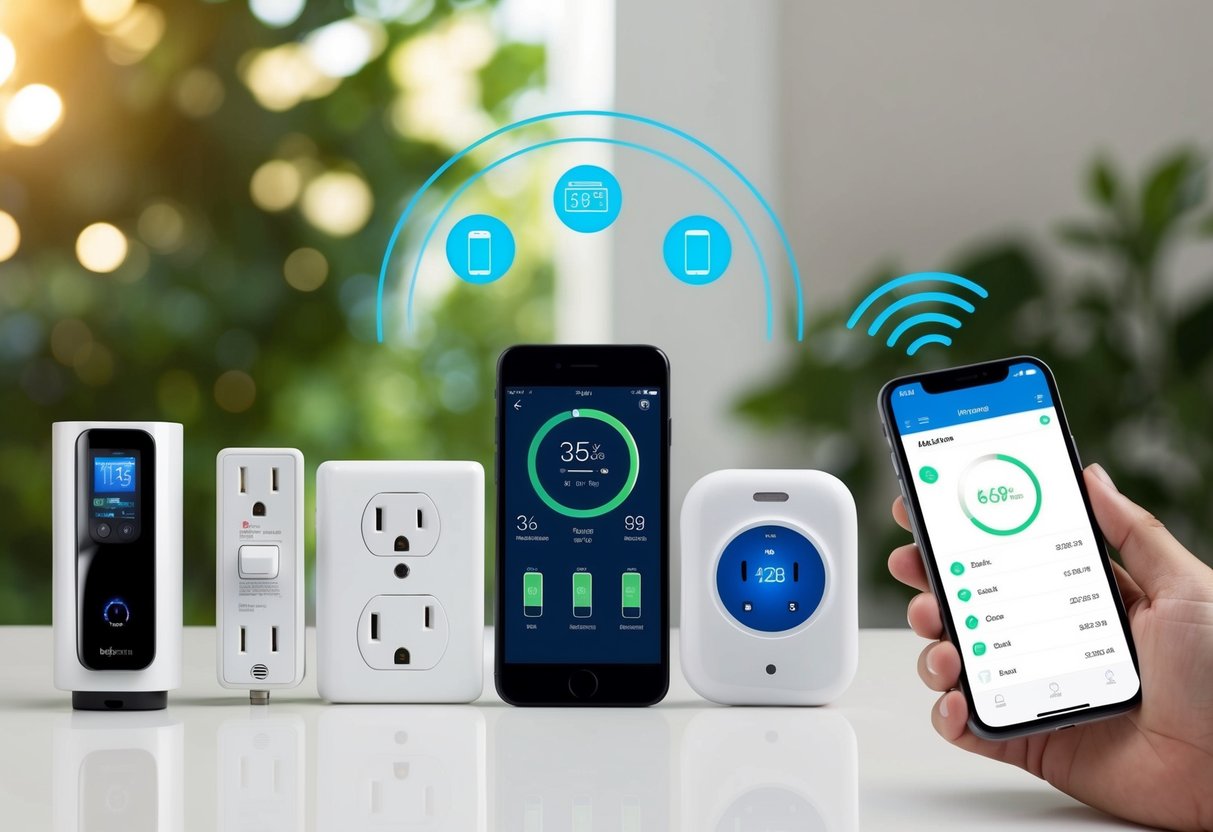
Smart plugs give you powerful tools to watch and control your home’s energy use. You can see exactly how much power devices use and find easy ways to cut waste.
Tracking Energy Usage
Smart plugs let you monitor energy consumption of individual appliances. You can see how much power your TV, fridge, or computer uses each day. Many smart plug apps show real-time and historical energy data.
This info helps you spot energy hogs. You might find your old freezer uses way more power than you thought. Or see that your gaming console draws lots of electricity even when it’s off.
Some smart plugs can estimate your electricity costs too. This makes it easy to understand the impact on your energy bills.
Reducing Energy Consumption
Once you know where energy goes, you can take steps to cut waste. Smart plugs make this simple.
You can set schedules to automatically turn off devices when not needed. No more forgetting to unplug the coffee maker or turn off the space heater.
Many smart plugs have energy-saving modes. These can reduce “vampire” power draw from devices in standby.
You can also use your phone to quickly switch off anything you forgot. This stops wasted energy when you’re away from home.
Smart plugs help boost your home’s energy efficiency. Over time, these small changes add up to real savings on your electricity bills.
Automation and Routine
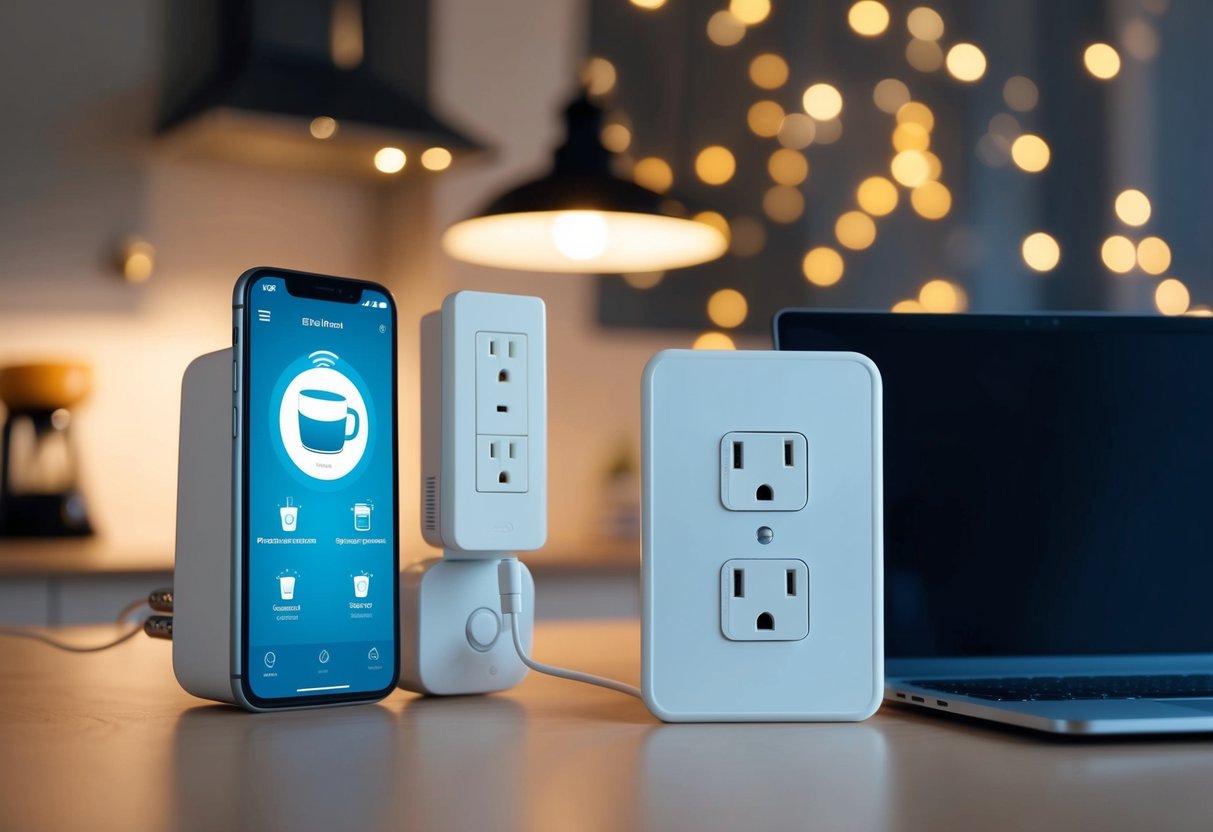
Smart plugs make your daily life easier. They help you set up regular tasks and improve your daily habits without much effort.
Scheduling for Daily Conveniences
You can use smart plugs to set up schedules for your devices. This means you don’t have to think about turning things on or off. For example, you can set your coffee maker to start at 7 AM every day. Your kitchen will smell great when you wake up!
Smart plugs also work with countdown timers. Want your slow cooker to turn off after 6 hours? No problem! Just set it and forget it. This gives you peace of mind when you’re out.
Some plugs can even learn your habits. They might turn on your TV when you usually watch the news. Or they could start your fan when it gets hot in the afternoon.
Enhancing Your Daily Routine
Smart plugs can make your mornings smoother. Set your bedroom lights to turn on slowly at 6:30 AM. This gentle wake-up can help you start your day right.
You can also use them for your nighttime routine. Have your living room lights dim at 9 PM to remind you it’s time to wind down. Your smart plug can turn off your devices at bedtime, saving energy.
These simple devices can keep you safe too. Set lamps to turn on and off when you’re away. This makes it look like someone’s home. You can even use them to turn on a radio or TV at certain times.
Choosing the Right Smart Plug
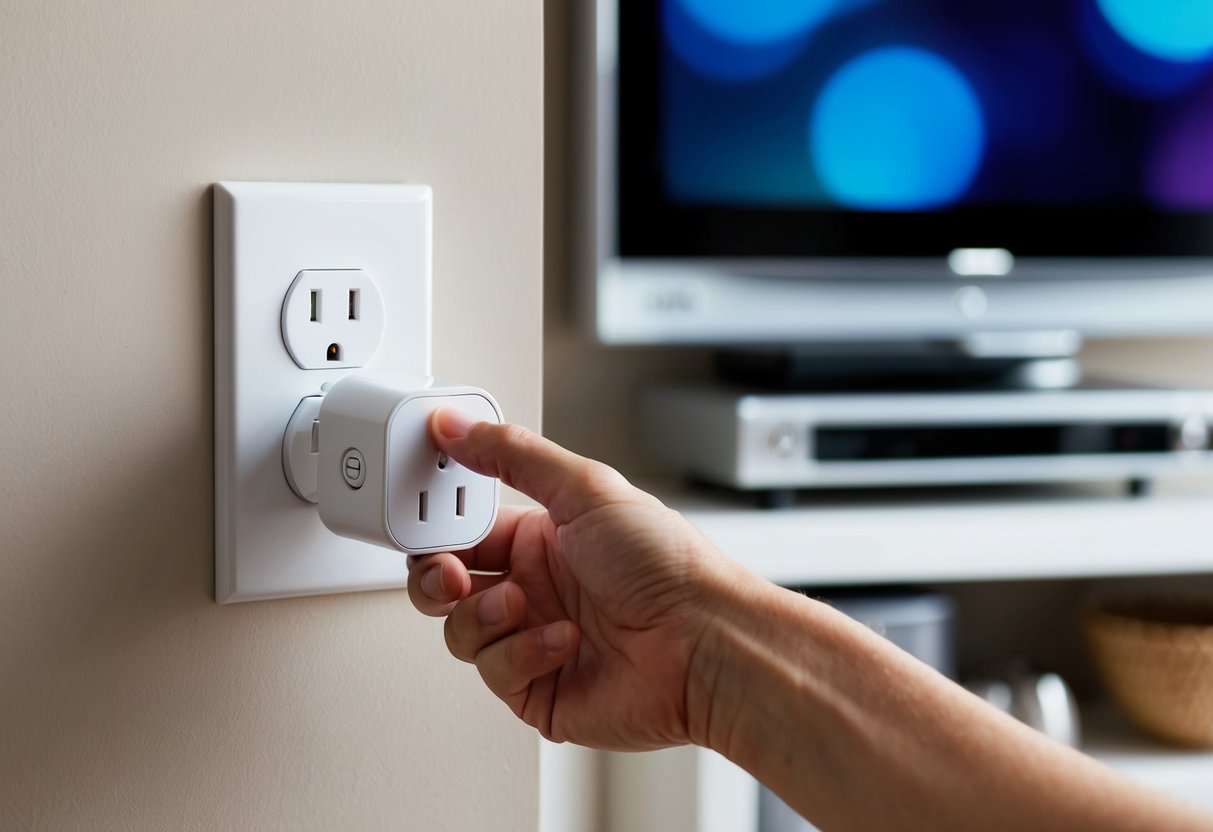
Smart plugs come in many shapes and sizes with different features. Picking the right one depends on how you plan to use it. Let’s look at what to consider and some top options.
Essential Features to Consider
When shopping for a smart plug, look at a few key things. Size matters – you want a compact design that won’t block other outlets. Check if it’s for indoor or outdoor use. Outdoor smart plugs need to be weatherproof.
Make sure it works with your smart home system like Alexa or Google Home. Energy monitoring is handy to track power use. Some plugs let you set schedules or use timers.
Think about the max wattage too. Most handle standard appliances, but high-power devices need beefier plugs. A manual on/off switch can be useful as a backup.
Top Picks for Best Smart Plugs
For indoor use, the Eve Energy smart plug is a great option. It tracks energy use and works with Apple HomeKit.
If you use Alexa or Google Home, try the TP-Link Kasa plug. It’s affordable and easy to set up.
For outdoor use, look at weatherproof options. Some can handle two devices at once, perfect for holiday lights or patio gear.
Tenda’s SP9 is good value. It supports high-power appliances up to 2990W.
Remember, the best smart plug for you depends on your specific needs and smart home setup.
Frequently Asked Questions
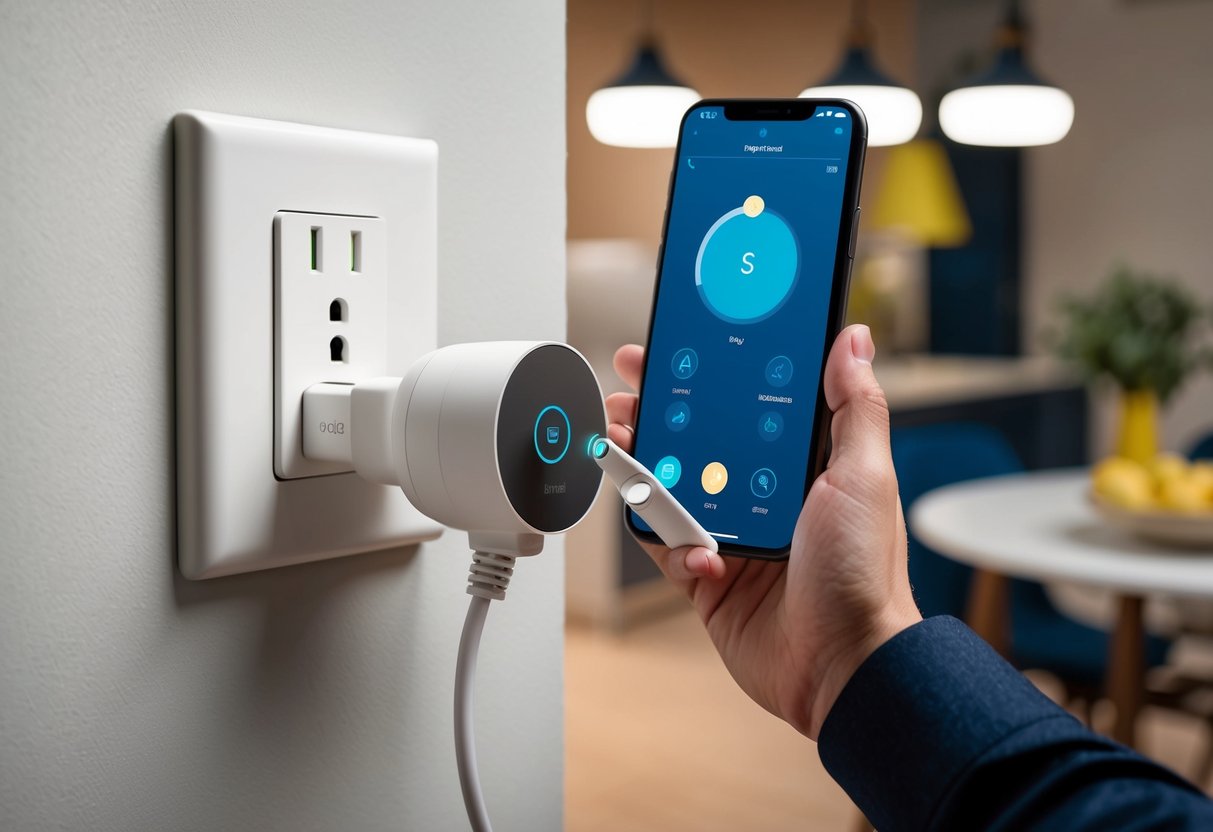
Smart plugs can make your home smarter and more convenient. They let you control devices from your phone and save energy. Here are some common questions about using smart plugs.
How do I set up a smart plug to work with my home Wi-Fi network?
To set up a smart plug, first plug it into an outlet. Download the plug’s app on your phone. Open the app and follow the steps to connect the plug to your Wi-Fi. Make sure your phone is on the same network. If you have trouble, try restarting your router and the smart plug.
Can smart plugs be operated when I’m not at home?
Yes, you can control smart plugs when you’re away from home. As long as your phone has internet, you can use the app to turn devices on or off. This is great for checking if you left something on or turning on lights before you get home.
Are there any limitations to using smart plugs with home appliances?
Smart plugs work with most small appliances. But they’re not good for big appliances like ovens or washing machines. These use too much power. Also, smart plugs can’t change settings on devices. They just turn things on or off.
Which devices are compatible with smart plugs for effective remote control?
Smart plugs work well with lamps, fans, coffee makers, and TVs. You can also use them with space heaters, air purifiers, and holiday lights. Check your smart plug’s specs to make sure it can handle the power of your device.
What should I consider when choosing a smart plug for outdoor use?
For outdoor smart plugs, look for weather-resistant models. These can handle rain and heat. Make sure the plug is within range of your Wi-Fi. Some outdoor plugs have stronger Wi-Fi antennas. Also, check if the plug can handle the power needs of your outdoor devices.
How do smart outlets differ from smart switches in managing home devices?
Smart outlets replace your existing wall outlets. They’re more permanent than plug-in smart plugs. Smart switches replace light switches and control hardwired lights. Smart plugs are easier to move around and don’t need installation. They’re better for controlling portable devices.


Great article on how to make life easier with smart plugs! I’m curious, do they work well with older appliances too? Also, do these apps drain a lot of data if used frequently? I love the idea of automating my lights and saving energy. Thanks for sharing!
Hi Anselmo, they will work will all appliances. They are the plugs, so whatever is plugged into them will turn off and on. I’m using them for the lights in my guest room so that they go on at 5 PM and off at 10 PM.
They should actually save you energy if you use them correctly